Poser running KMate
- Kfleet support
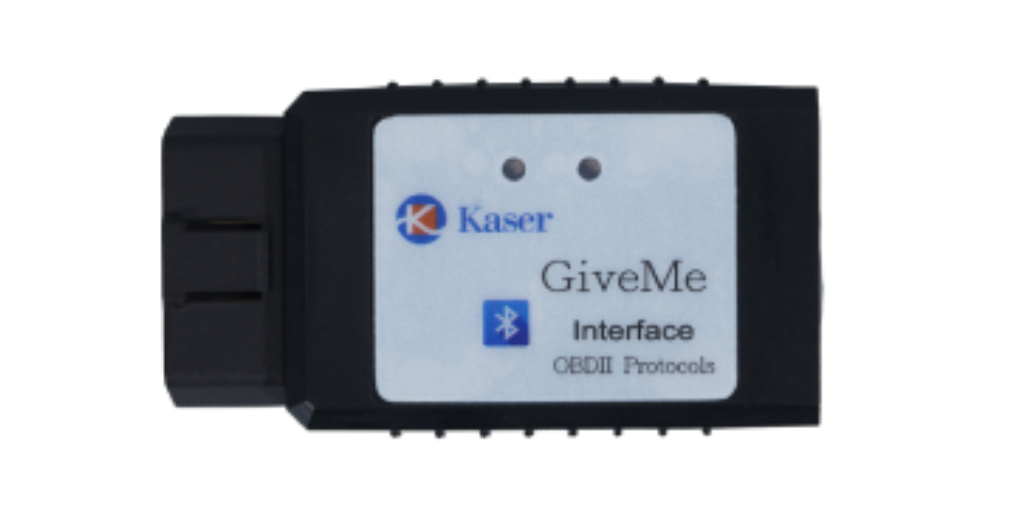
- Giveme communicates vehicle
- 4G support
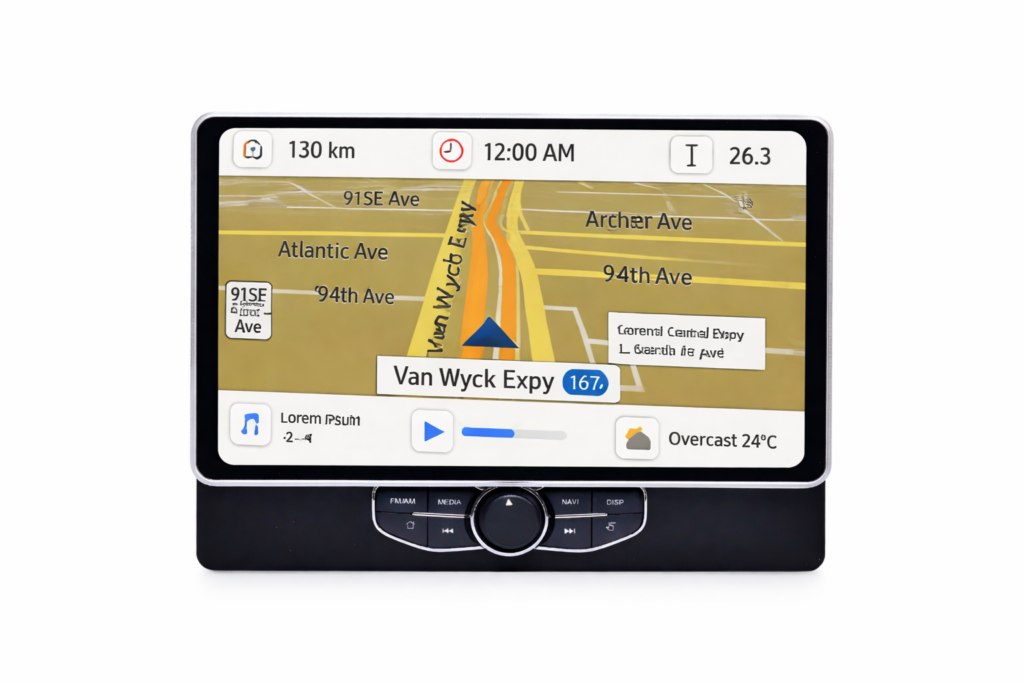
- Variety size display
- External power supply
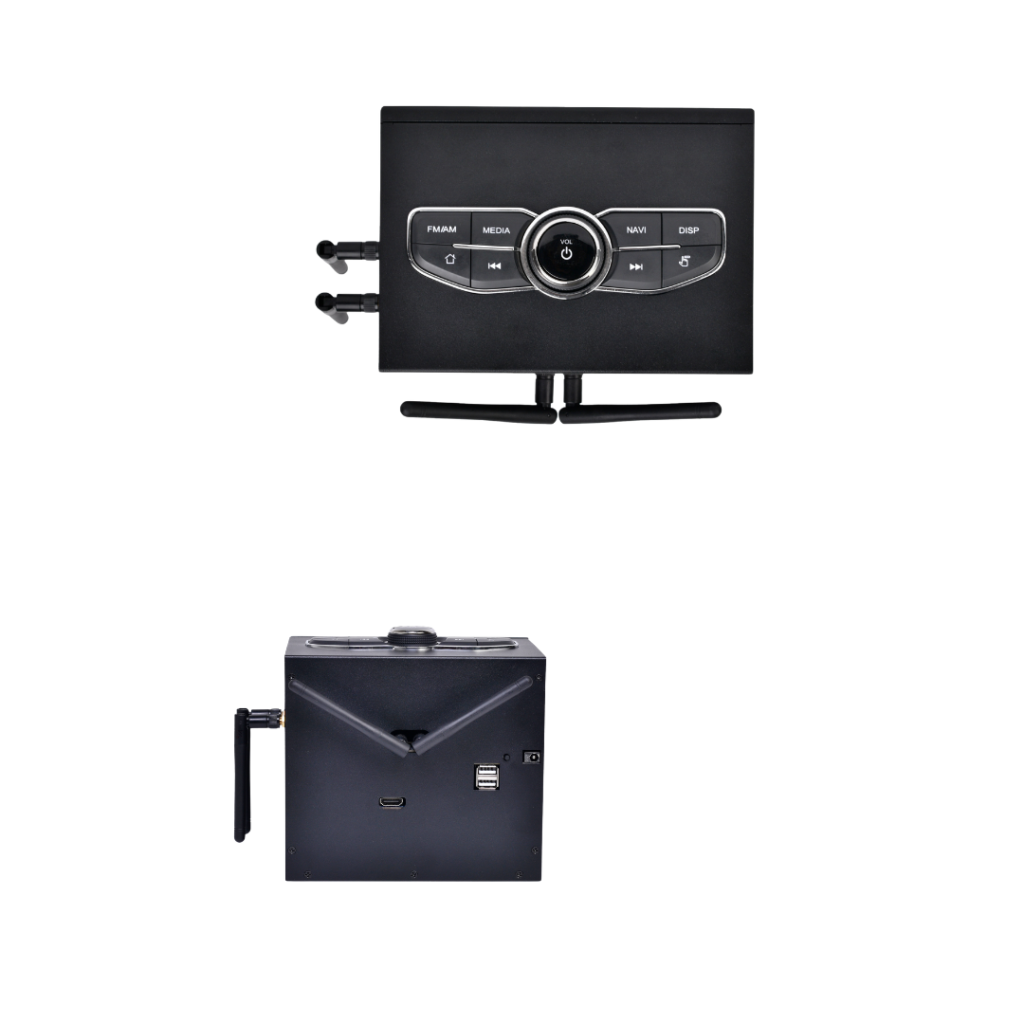
KMate App in Poser
- Application in Poser to transceive data to cloud
- Navigating to the waypoints accordingly
- Data collection from Giveme to form ELD requirement
- Receiving the routing and task from server
- Received task assignment and schedule in order
- Sending ETA to client
- Fuel level alert
- Weather , temperature. vehicle speed, fuel ..etc
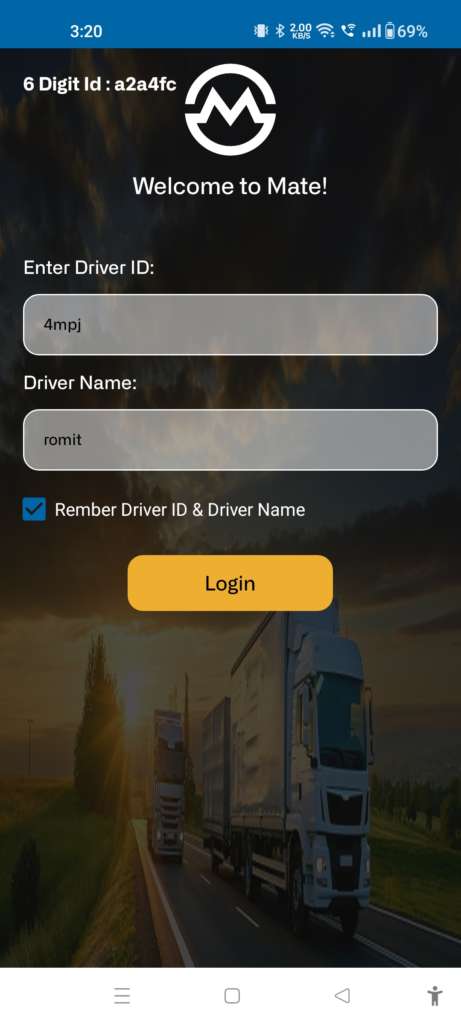
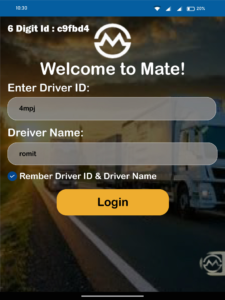
Device login
- Add your driver Id and driver name
- Also click on check Box if you reminder details
- After fill detail’s click on login button.
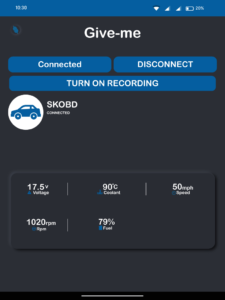
ELD Session
- Into ELD Session we display the connection and automatically get data from the Give-me
- Also give the manual controller option like change connection, connect, disconnect and reconnect
Routing selection
- Display all route into map, also see adreess when click on the marker.
- Click on map to add and select any other rout.
- After select any route please click on “Start Tracking” button.
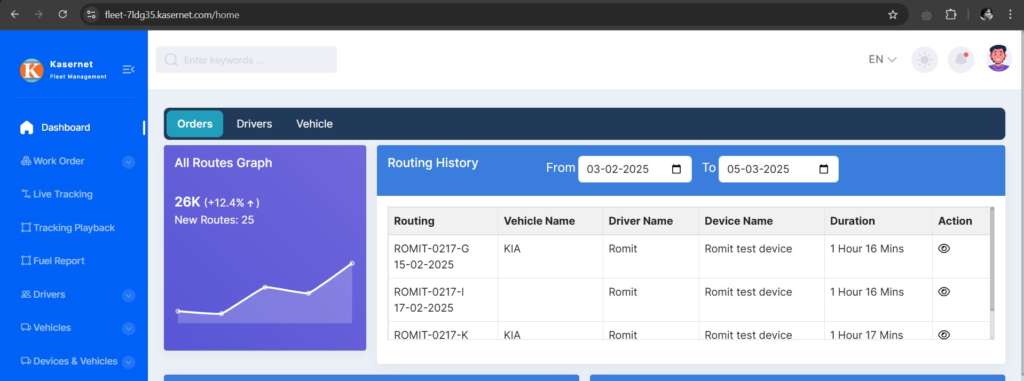
Navigation
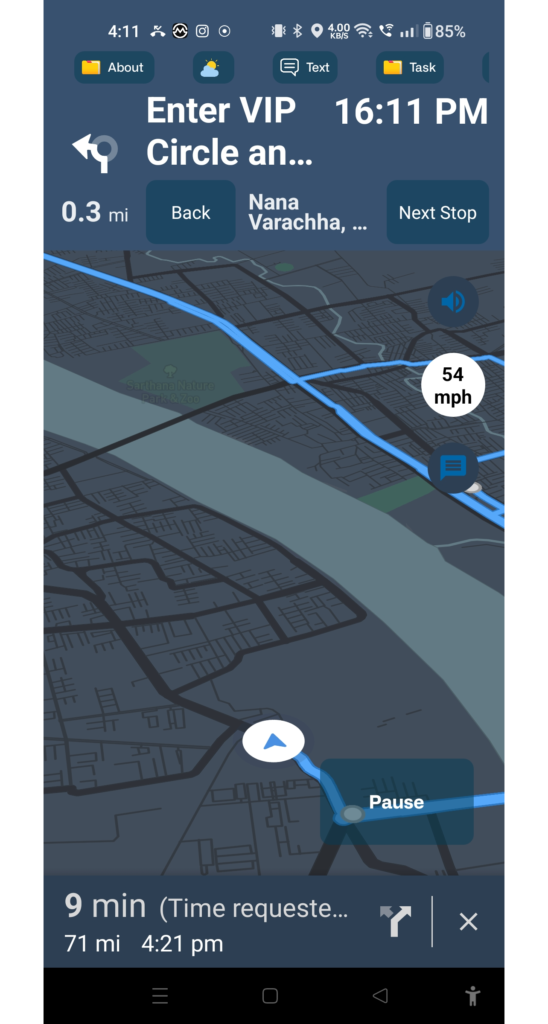
- Into Navigation we provide the live tracking with follow selected route.
- Turn by Turn guide line
- Weather details and time
- Display the next stop point
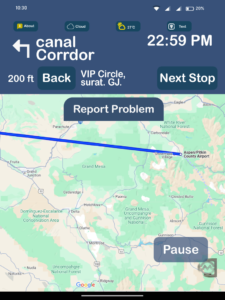
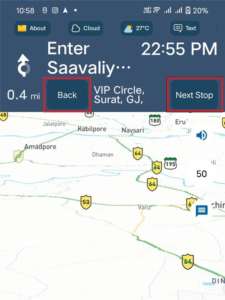
Manually next or back waypoints
- Click on Next Stop button to skip current waypoint
- Click on Back button to go back previous waypoint
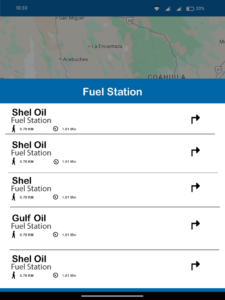
Fuel station list
- Select any pump from the list of nearby fuel pumps
- After selecting any pump you can see it in route
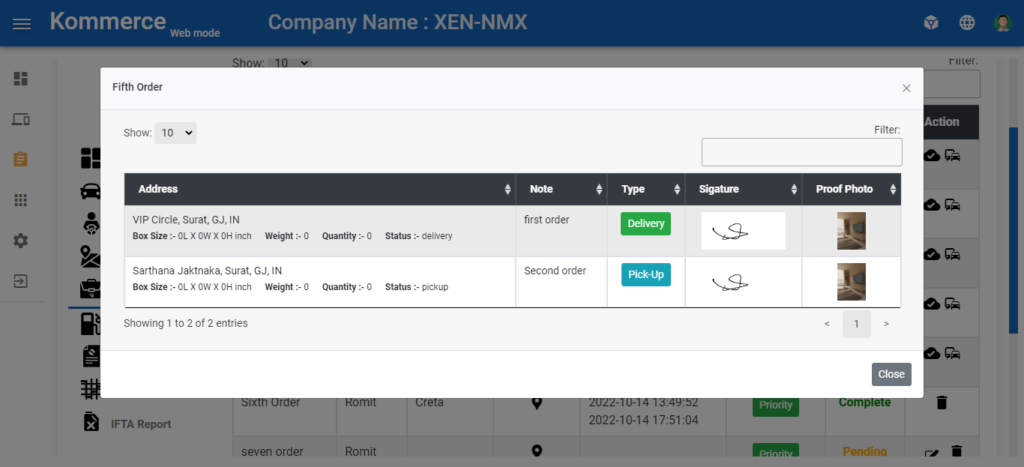
POD & Fuel report
- Proof of Delivery & Fuel report
Kmate Operation
- Kmate login
- Navigation
- Messaging