Kmate in Local — mAIvehicle Feature
Empower your drivers with seamless local operations. Kmate runs on-device to ensure uninterrupted fleet management even in areas with limited or no connectivity.
How It Works
Kmate’s local processing capabilities keep your drivers operational regardless of network conditions.
Offline Operation
Kmate continues to function fully even when there is no internet connection, ensuring drivers are never left without guidance.
Local Data Processing
All critical data is processed on-device, eliminating dependency on cloud connectivity for core fleet management tasks.
Smart Synchronization
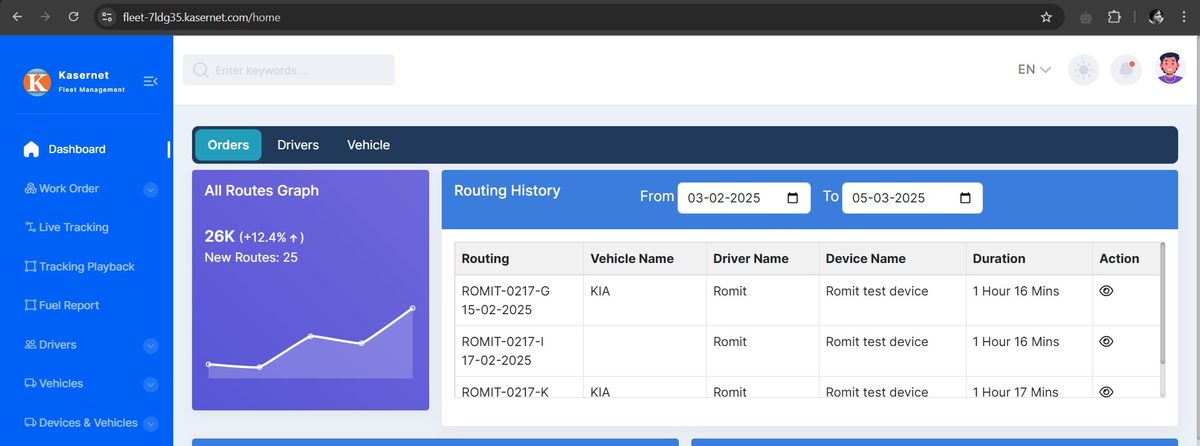
When connectivity is restored, Kmate automatically syncs all locally captured data back to the central fleet management system.
Cached Route Information
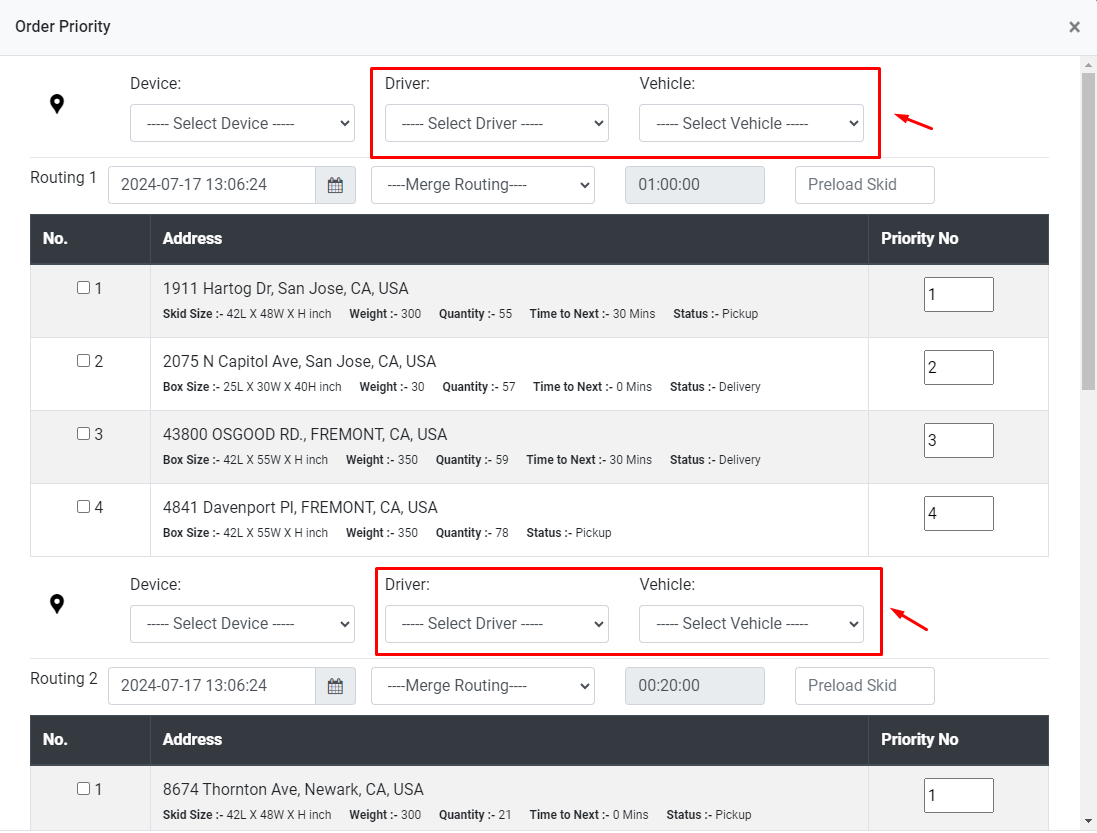
Route data and waypoints are pre-loaded and cached so drivers always have access to their assigned routes without needing live data.
Local Navigation
On-device navigation keeps drivers on course even in remote areas, tunnels, and dead zones where data signals are unavailable.
On-device Documentation
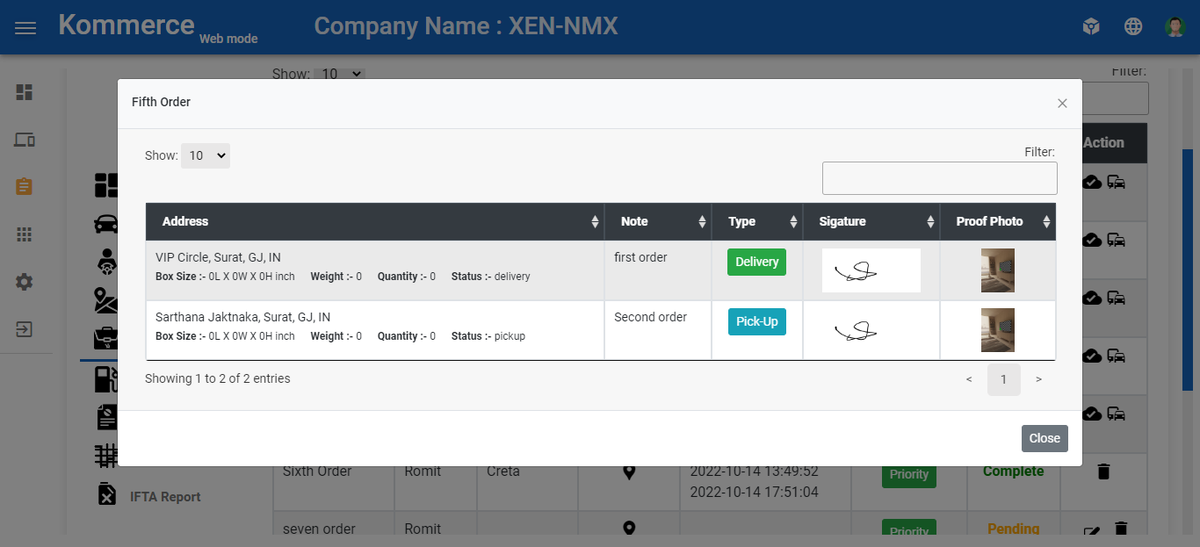
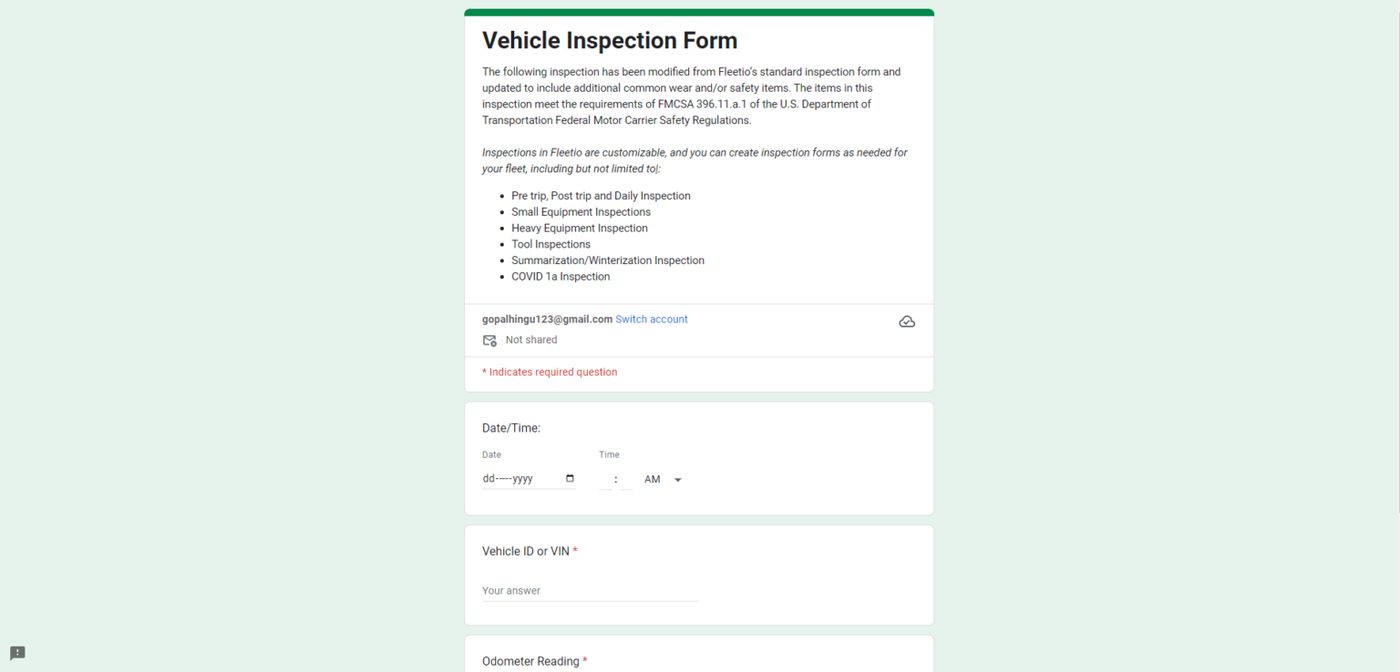
Drivers can complete DVIR inspections, proof of delivery, and job documentation locally — all synced when back online.
Key Benefits
- Uninterrupted Operations: Drivers stay productive and compliant even in areas with no mobile coverage.
- Reduced Data Costs: Local processing minimizes data usage by only syncing essential updates when connected.
- Improved Driver Experience: No frustrating connectivity drops — the app works reliably every time.
- Accurate Record Keeping: All events are timestamped locally and synced without data loss or duplication.
- Compliance Continuity: ELD and HOS records continue to be captured offline, maintaining full regulatory compliance.
- Faster Job Completion: Drivers focus on their routes without waiting for data to load or pages to refresh.
Technical Capabilities
- On-device SQLite database for local data storage and retrieval
- Background sync engine that detects connectivity and uploads queued records
- Offline-capable maps with pre-downloaded regional tile sets
- Local ELD event logging with cryptographic tamper detection
- Conflict resolution engine for handling data sync edge cases
- Low-power mode for extended device battery life during long hauls
- Compatible with Android 8.0+ and iOS 14+ devices
Real-World Applications
Remote Delivery Routes
Drivers delivering to rural or remote areas complete their full route, capture proof of delivery, and sync everything when they return to coverage.
Underground & Tunnel Operations
Fleets operating in tunnels, parking structures, or underground facilities maintain full ELD logging and navigation without interruption.
Cross-Border Freight
Drivers crossing into regions with different carrier networks or data restrictions continue operating without compliance gaps or data loss.
Poser Running Kmate
Kmate App is engineered to run on Poser hardware in the vehicle, bridging cloud routing with on-vehicle execution.
KFleet Support
Native integration with the KFleet platform.
Giveme Communicates Vehicle
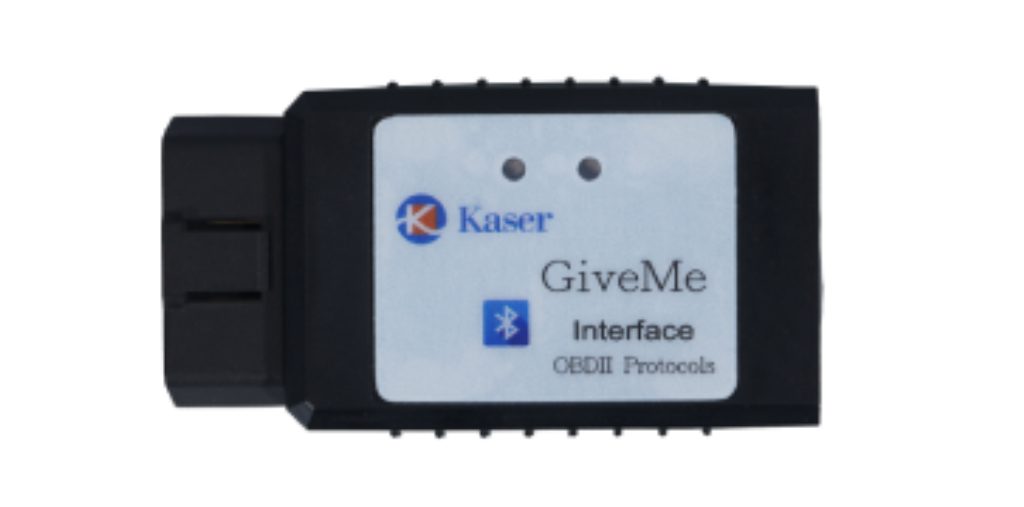
Reads engine and ECU data via the Giveme OBD-II adapter.
4G Support
Built-in cellular connectivity for live tracking and dispatch.
Variety Size Display
Available with multiple display sizes to fit any cabin.
External Power Supply
Hardwired power so the unit boots automatically with the vehicle.
Kmate App in Poser
- Application in Poser to transceive data to cloud.
- Navigating to the waypoints accordingly.
- Data collection from Giveme to form ELD requirements.
- Receiving the routing and task from server.
- Received task assignment and schedule in order.
- Sending ETA to client.
- Fuel level alert.
- Weather, temperature, vehicle speed, fuel and more.
Kmate Operation Flow
Step-by-step driver workflow inside the Kmate App on Poser.
Device Login
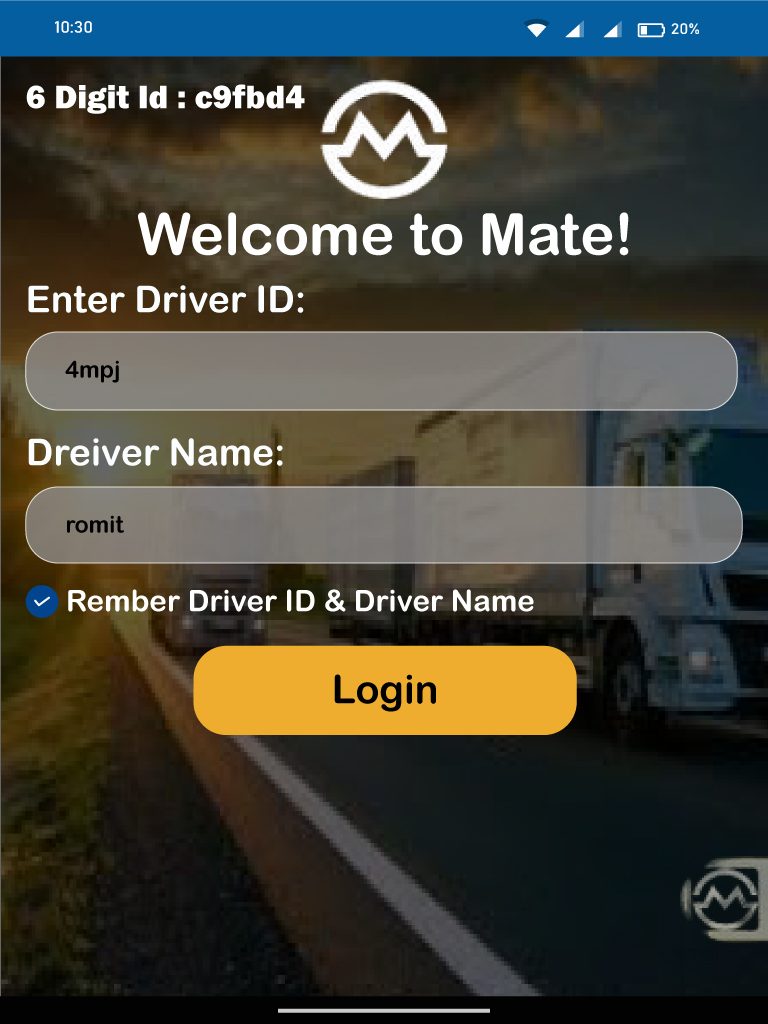
Add your driver ID and driver name. Tick the remember box if desired, then tap Login.
ELD Session
Kmate displays the connection state and pulls data automatically from Giveme. Manual controls let you change connection, connect, disconnect or reconnect.
Routing Selection
All routes are shown on the map with addresses on each marker. Tap the map to add or pick another route, then tap Start Tracking.
Navigation
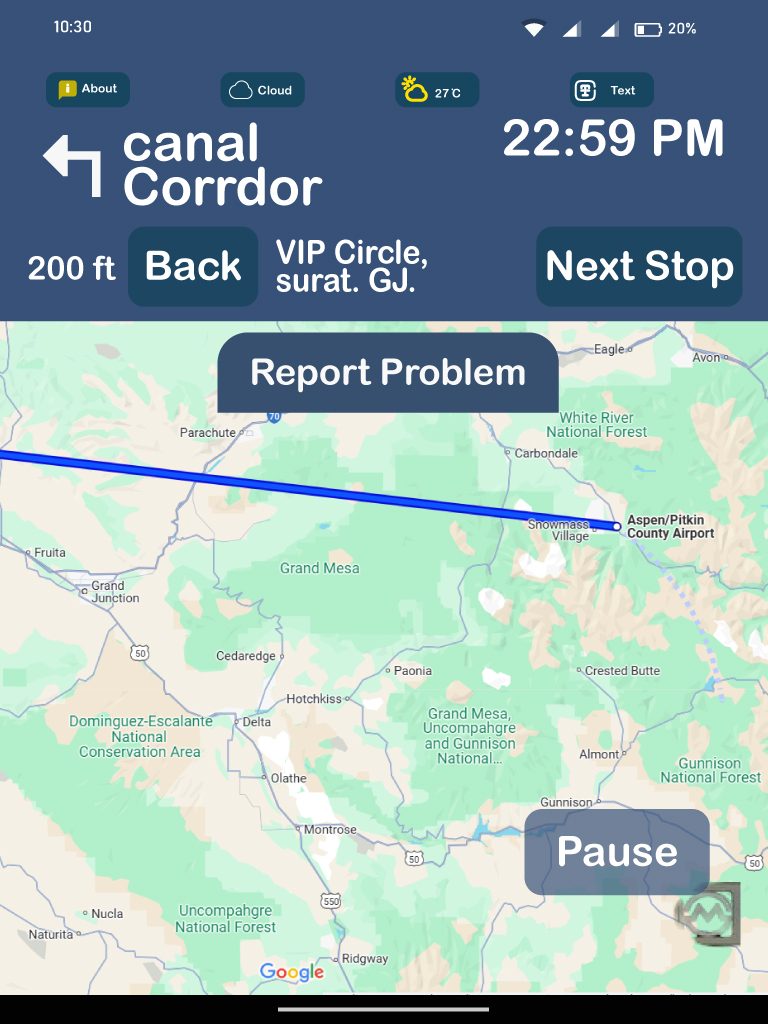
Live tracking follows the selected route with turn-by-turn guidance, weather and time, and the next stop displayed at all times.
Manually Next / Back Waypoints
Tap Next Stop to skip the current waypoint, or Back to revert to the previous one.
Fuel Station List
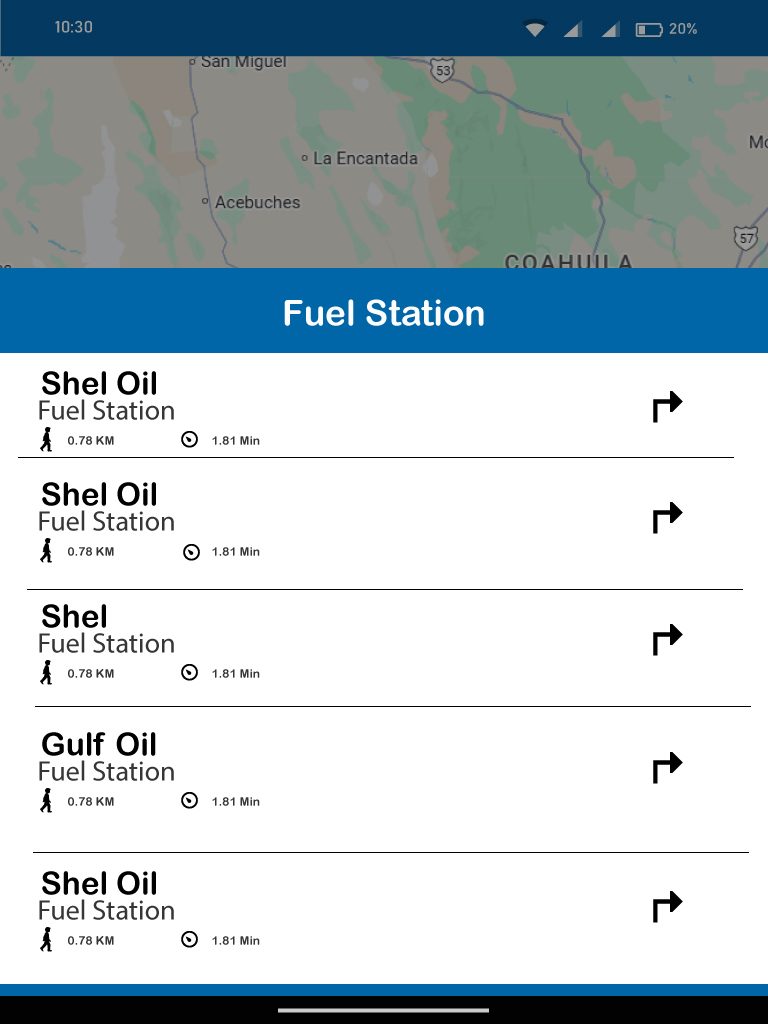
Choose a pump from the list of nearby fuel stations — the selected pump is then placed inline with your route.
POD & Fuel Report
Capture Proof of Delivery and a fuel report for each completed stop.
Kmate Operation Summary
End-to-end driver flow: Kmate login → Navigation → In-cab messaging.
Frequently Asked Questions
What is Kmate in Local?
Kmate in Local is a core feature of mAIvehicle that enables drivers to operate seamlessly without an internet connection. All critical data is processed on-device and synced when connectivity is restored.
Does Kmate work without internet?
Yes. Kmate continues to function fully even when there is no internet connection. Core features including navigation, ELD logging, and DVIR remain available offline.
How does synchronization work?
When connectivity is restored, Kmate automatically syncs all locally captured data back to the central KFleet management system. No manual action required.
Is offline data secure?
Yes. All local data is stored with encryption and includes cryptographic tamper detection for ELD events to ensure compliance integrity.
What devices does Kmate support?
Kmate supports Android 8.0+ and iOS 14+ devices. It also runs on the dedicated Navpad hardware device for fleets that prefer purpose-built in-vehicle hardware.
Is the Kmate app free?
Yes. The Kmate app is free to download and is included with your KFleet subscription. There are no extra per-driver download fees.
Download Kmate
Available on iOS and Android. Free with your KFleet subscription.